How to Use Your Cuisinart Coffee Maker: Setup, Brewing, and Troubleshooting
How to Use Your Cuisinart Coffee Maker: Setup, Brewing, and Troubleshooting
Using a Cuisinart coffee maker involves filling the water reservoir, adding grounds to the filter basket, selecting your brew strength, and pressing the brew button. Most models brew automatically, though programmable models let you set a delayed start time. If water doesn't flow or the brew cycle stalls, check that the basket and carafe are seated properly and the charcoal filter isn't clogged.
How we researched
This guide references Cuisinart's official manuals page, published instruction booklets for specific models including the DCC-1200C Brew Central and Grind-Brew-Plus SS-GB1, owner feedback from Grounds & Hounds Coffee Co., and Costco's instruction materials. No hands-on testing was performed.
What you need
- Tap or filtered water
- Ground coffee (or whole beans if your model has a grinder)
- Paper or metal filter (depending on your model)
- No special tools required
Cuisinart offers over 78 coffee maker models, so your exact steps depend on whether you have a basic drip brewer, a programmable model, a thermal carafe version, or a multi-function Coffee Center. Check your model number on the back or bottom of the machine.
Step 1: Identify your model and locate the manual
Find the model number (usually on a sticker on the back or bottom of your machine). It typically starts with "DCC," "DGB," "SS," or "CHW." Visit Cuisinart's manuals page and search your model number to download the instruction booklet.
What goes wrong: Model numbers look similar—double-check yours before downloading, or you'll get instructions for a different brew style or feature set.
Step 2: Clean and prep the machine before first use
Before brewing coffee, run a full cycle with just water. Fill the reservoir with filtered or tap water, place the empty carafe on the heating plate, close the lid, and press "Brew." Let the water cycle through completely, then pour it back into the reservoir. This step brings the machine to the recommended brewing temperature of around 195°F, which is unlikely to occur if cold water sits in a room-temperature machine.
What goes wrong: Skipping this step means your first pot brews at a lower temperature than ideal, affecting extraction and taste.
Step 3: Fill the water reservoir
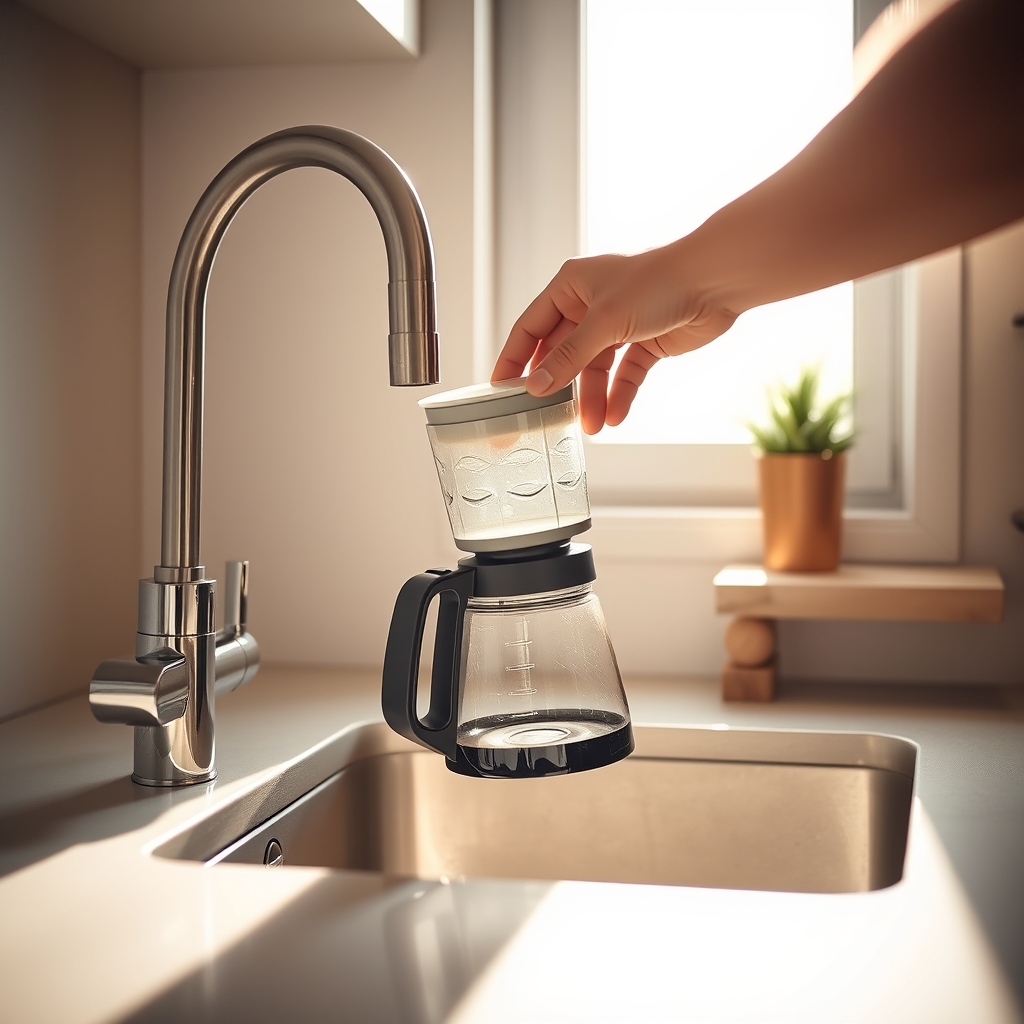
Remove the carafe and fill it to your desired cup level, then lift the top lid and pour that water into the reservoir. The carafe usually has cup markings on the side.
What goes wrong: Pouring water directly into the top of the machine without using the carafe as a measure leads to overfilling the reservoir or underfilling it, resulting in weak or incomplete brews.
Step 4: Insert the filter and add ground coffee
Lift the filter basket (usually in the top center). Place a paper or metal filter inside, depending on your model. Add ground coffee—roughly 1 tablespoon per cup of water. Close the filter basket and replace the carafe on the heating plate.
What goes wrong: Using pre-ground coffee that's been open for weeks loses flavor. Also, overfilling the basket causes grounds to overflow into the carafe during brewing.
Step 5: Select brew strength (if your model has it)
Many Cuisinart models include a "Bold" button or strength selector. Press "Bold" if you want stronger coffee. You can also adjust carafe temperature on some models by pressing "Carafe Temp."
What goes wrong: Pressing buttons in the wrong order or skipping this step on programmable models sometimes prevents the brew cycle from starting. Always press strength options before the brew button.
Step 6: Start brewing
Press "Brew" to start the cycle. Water flows through the grounds and into the carafe.
What goes wrong: Water stops flowing halfway through. This usually means the filter basket isn't seated properly, the carafe isn't on the heating plate, or the charcoal filter is severely clogged.
Common mistakes
Water doesn't flow from the filter basket: The basket may not be inserted fully into its slot, or the carafe isn't resting on the heating plate. Remove both and reinstall them, pushing firmly until they click into place.
Brew cycle stalls partway through: If water pools on top of the grounds and the brewing stops, the charcoal filter may be clogged or the water is too cold. Replace the filter if it's more than a month old, or run the prep cycle again to reheat the machine.
Incomplete brew: If you fill the machine and only half the water brews while the rest pools in the top without the brew button activating again, ensure the filter basket is fully inserted and the carafe is properly seated on the heating plate. Pressing the brew button multiple times without repositioning these parts will not restart the cycle.
Weak or bitter coffee: Using old grounds or too much coffee grounds leads to weak or off-tasting brews. Measure carefully and grind coffee fresh before brewing. If your coffee tastes sour, the machine may not be reaching full brewing temperature—run the water-only prep cycle again.
Clean light stays on: After running a cleaning cycle with vinegar and water, the machine may require another cycle or you need to press the brew button to remove remaining vinegar, then turn the machine off and back on. If the light continues blinking, contact Cuisinart Customer Service.
Water or coffee leaks from the bottom: Do not place cloth beneath the coffeemaker or otherwise restrict airflow, as this prevents the machine from draining properly and causes backup. Check that the charcoal filter is Cuisinart Gold-Tone or compatible, as other filters may not fit correctly.
FAQ
How do I know what model Cuisinart coffee maker I have?
Look on the back or bottom of the machine for a sticker with the model number. It typically begins with "DCC" (standard drip), "DGB" (grind-and-brew), "SS" (Coffee Center or specialty), or "CHW" (older discontinued models). Search this model number on Cuisinart's manuals page to confirm and download your manual.
How do you program a Cuisinart 12-cup coffee maker?
Programmable Cuisinart models have a digital clock and a "Set" or "Program" button. The Brew Central model, for example, comes with a programmable digital clock with 24-hour advanced-brew setting, allowing you to set a delayed brew start time. Set the clock first, then press "Program" to enter your preferred brew time. Refer to your specific model's manual, as the exact sequence varies. Basic models without a digital display don't have programming—they brew immediately when you press "Brew."
What do the symbols on my Cuisinart coffee maker mean?
Common symbols include a coffee cup (the brew button or brew mode), a water droplet or wave (water level or temperature), a gear or wrench (clean or maintenance), and a clock or timer (programming). Your manual's diagram section identifies all symbols for your specific model. Check your model's manual on Cuisinart's manuals page for a specific legend.
How do I operate my Cuisinart if I've lost the manual?
Find your model number and download the manual from Cuisinart's manuals page. If you can't locate it online, contact Cuisinart customer service with your model number and they'll send you a copy or provide phone support.
Next step
Once you've brewed your first pot, drain the carafe and check the water reservoir for any leaks. Drink your coffee while it's fresh—flavor is best within an hour. If your machine doesn't power on at all or water leaks, check your manual's troubleshooting section or contact Cuisinart support. To keep your machine working well, replace the charcoal filter regularly and run a monthly cleaning cycle with water and vinegar.
Related guides
View All
Cuisinart Premium Single-Serve Coffee Makers Compared
Compare Cuisinart's premium single-serve brewers, from the SS-10P1 to single-serve and carafe combos. We reviewed specs, owner feedback and expert ratings to help you choose.
Best Budget Coffee Makers Under $100: Top Picks for Every Brewing Style
Find the best affordable coffee maker under $100. Compare drip, grinder, and simple models tested for balanced flavor and reliability on a budget.
Cuisinart Single-Serve Grind and Brew Coffee Maker: Fresh Ground or Grinder Gamble?
Should you buy the Cuisinart Grind & Brew? We break down its conical burr grinder, brew quality, reliability issues, and how it compares to alternatives.
Best High-End Drip Coffee Makers Over $300
Premium drip coffee makers deliver precision brewing and exceptional build quality. Compare SCA-certified machines like the Moccamaster, Fellow Aiden, and Breville Precision Brewer to find the right one for your kitchen.